
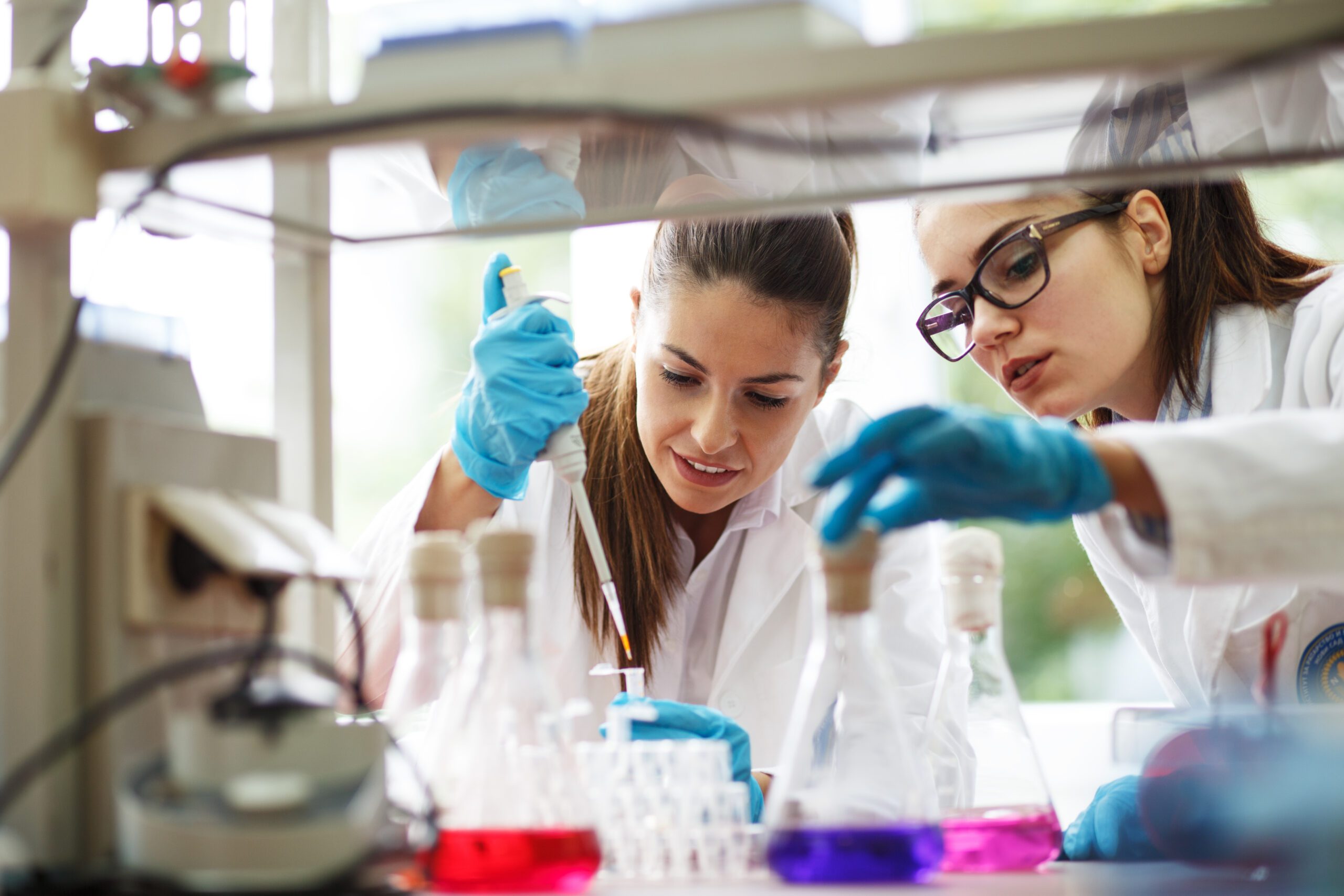
The LIMS for Drinking Water Analysis
SAMPLES, our award-winning LIMS, is ready for SHAPTH. SAMPLES already ensures seamless data transfer via the XWasser standard. At the same time, it offers smart features and add-ons – such as a sample collection app – that make working in the lab even more enjoyable.
SHAPTH and the XWasser Standard
The Starting Point: Error-Prone Inconsistency
The framework conditions for drinking water analysis have changed fundamentally. This was triggered by the inconsistencies that had prevailed until then: In the 16 federal states, data from the mandatory regular drinking water quality tests was transmitted using different interfaces and data standards. This resulted in significant post-processing efforts, potential data loss due to manual transfer methods, varying quality in data transmission, and error-prone interfaces that had to be adapted whenever EU reporting requirements changed.
The Solution: The SHAPTH Project
To address these challenges, the nationwide SHAPTH project was launched. The goal was to provide standardized data exchange formats and a common exchange platform through which all participating stakeholders could transmit their data efficiently, securely, and in a standardized manner. The standard developed in the SHAPTH project is called XWasser. The standard enables a uniform language and structure across all federal states.
The result: XWasser Standard starting in 2027
January 1, 2027, has been set as the mandatory nationwide implementation date. For laboratories, this means that, starting on that date, data on drinking water analysis must be prepared and transmitted in the new XWasser format. For occasional reporting, a manual data entry form is available via the SHAPTH platform. For regular data exchange, reporting is carried out via the provided interface. To do this, the LIMS used in the laboratory must support the XWasser standard.
With SAMPLES, you’ll be fully prepared
SAMPLES can use XWater standard
Based on the information provided by the SHAPTH project team, we implemented the integration of the XWasser standard into SAMPLES at an early stage. Our LIMS, LES, and ELN thus provide you with all the functionality you need to securely and compliantly transmit your drinking water data to the relevant authorities via the SHAPTH interface.
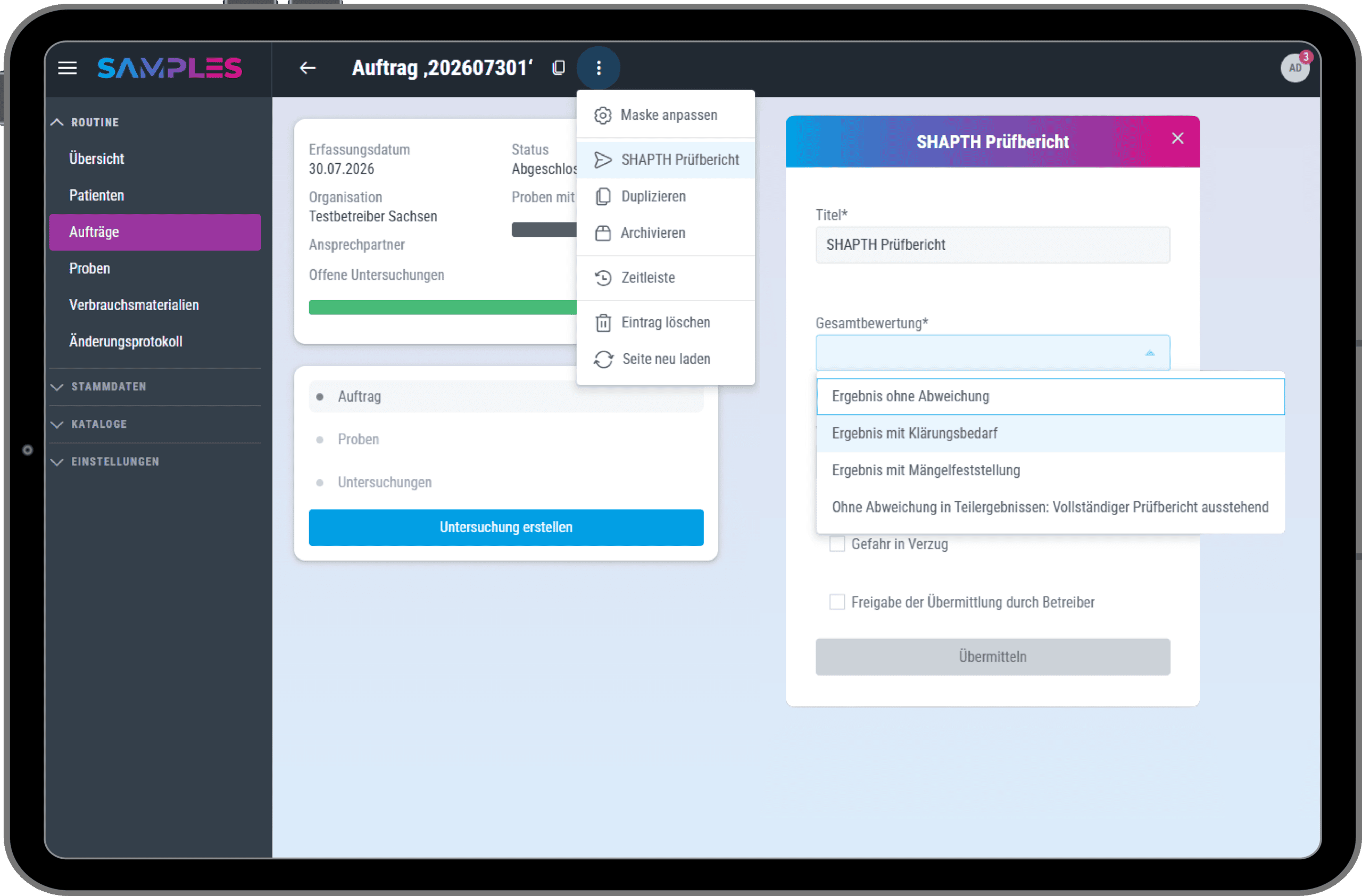
The SHAPTH interface in our SAMPLES LIMS enables the fast, convenient, and secure transfer of drinking water data in the XWasser standard. Thanks to state-of-the-art interfaces, SAMPLES is also well-equipped to handle future adaptation needs. SAMPLES can be implemented exceptionally quickly, and the production system is ready for use within a few weeks.
Our add-on for field sampling
For field sampling, SAMPLES offers you a very special add-on: the sampling app. The collection and analysis of such samples is often a cumbersome, error-prone, and time-consuming process. Doing this manually on paper in the field, followed by a tedious transfer to digital systems, leads to data discontinuities, increased error rates, and delays—all of which can be easily avoided with SAMPLES.
The SAMPLES sampling app is intuitive to use with just a few clicks, offering tremendous added value for fieldwork. The collected data is also immediately available in the main system.
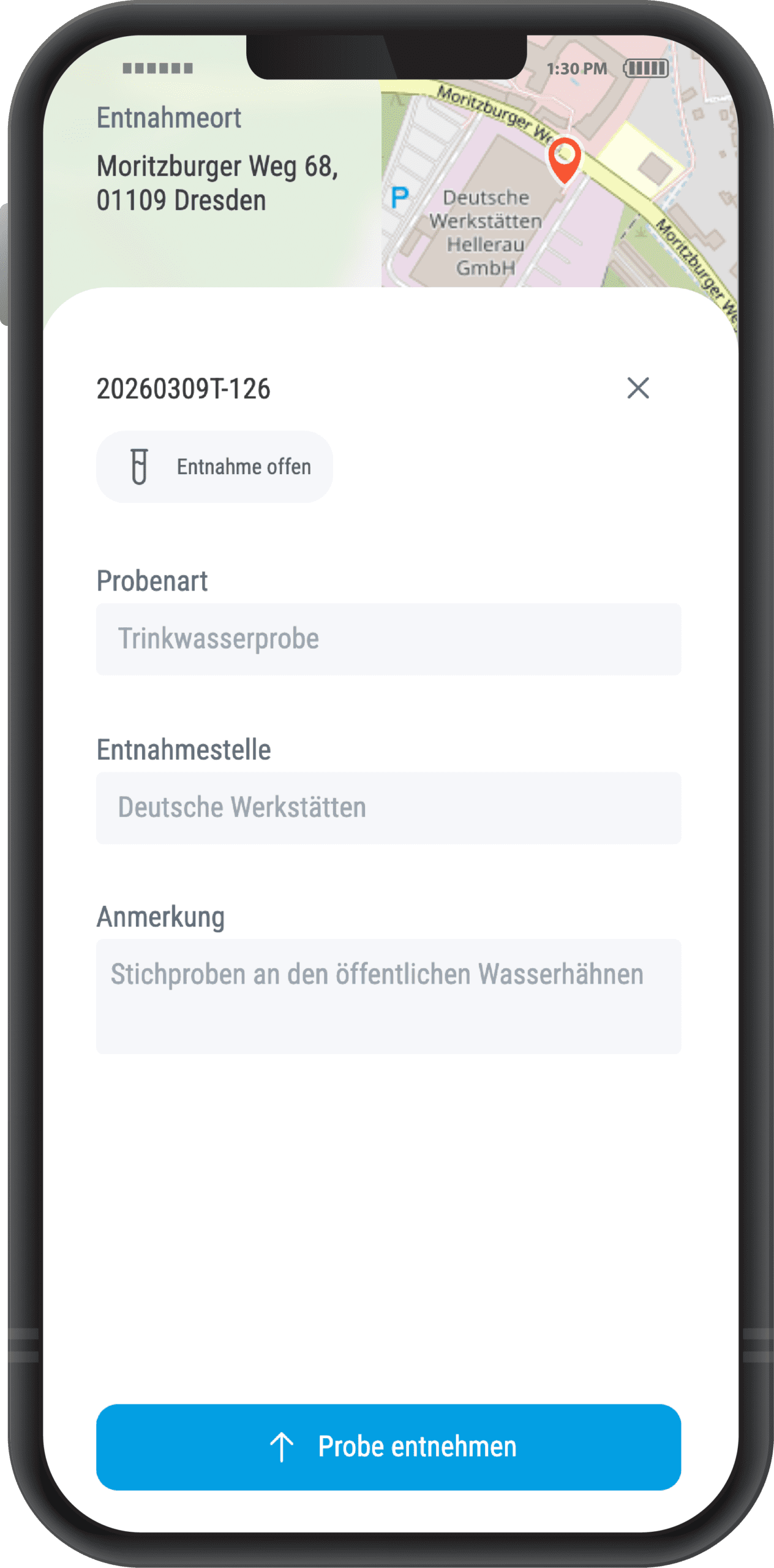
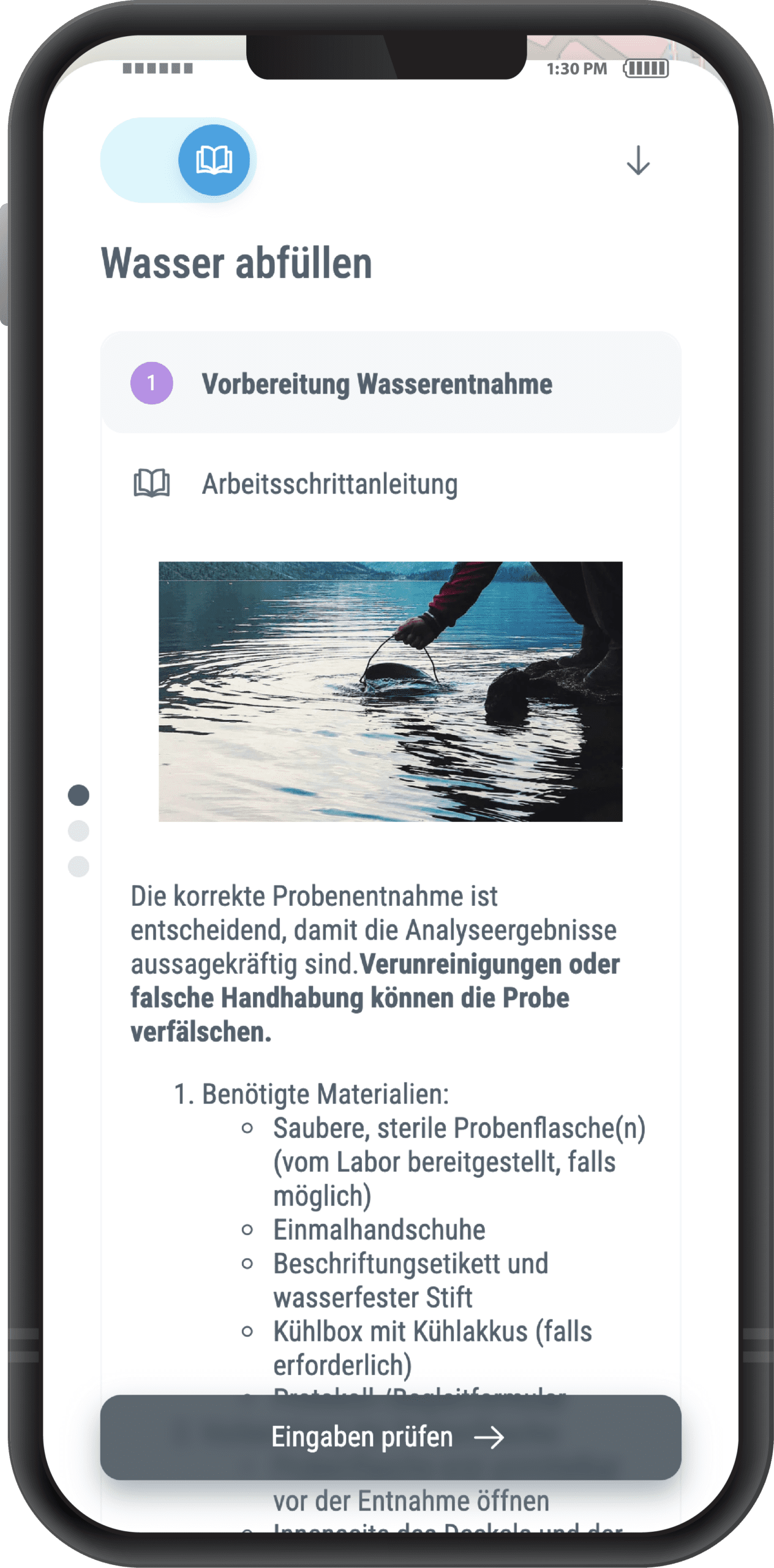
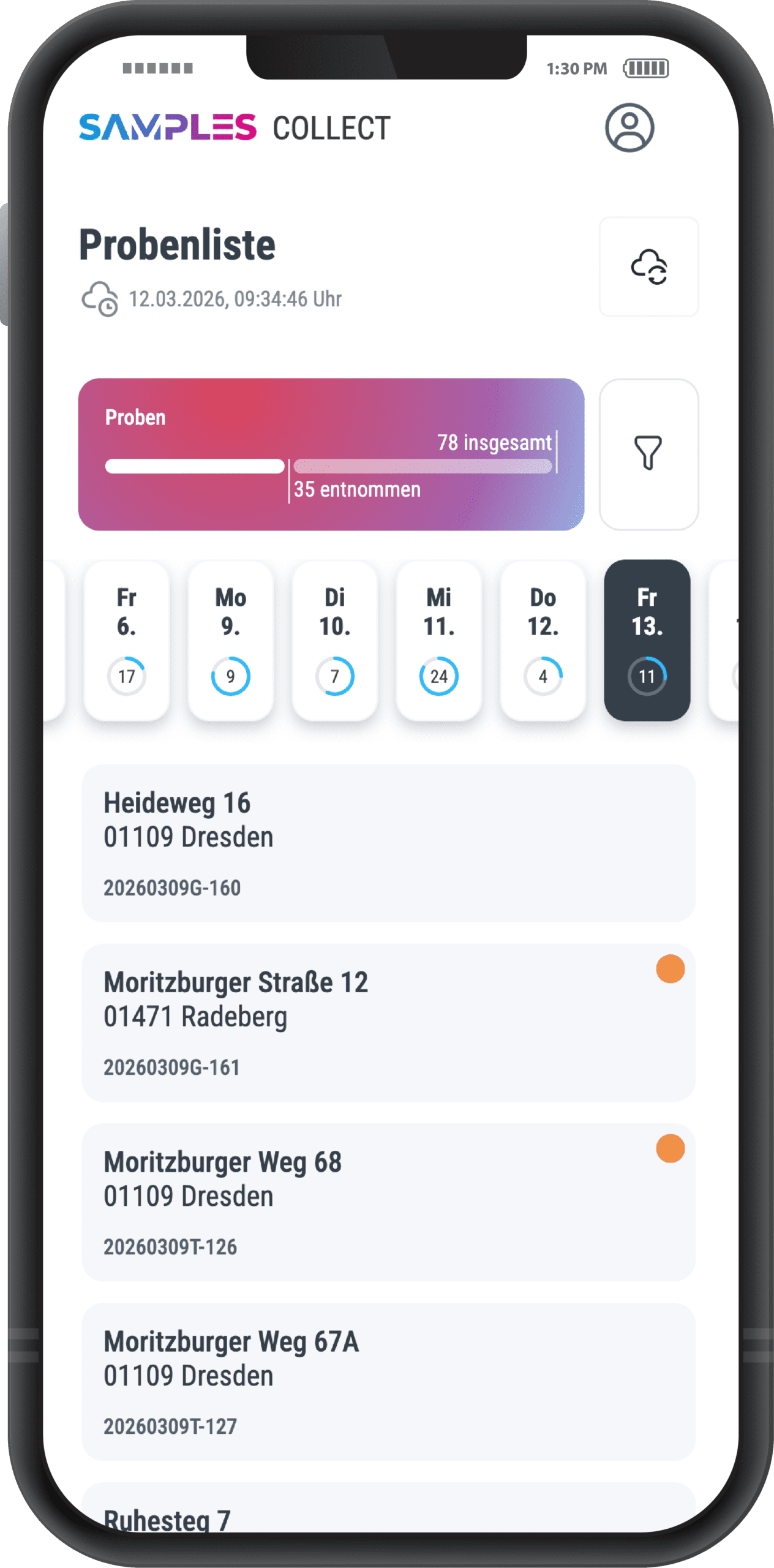
- GPS data
- Photo documentation
- Offline mode
- Own parameters
- Outdoor app
Key Features for Drinking Water Analysis
SAMPLES offers a whole range of smart features and functionalities. Below is a small selection of them.
Barcodes
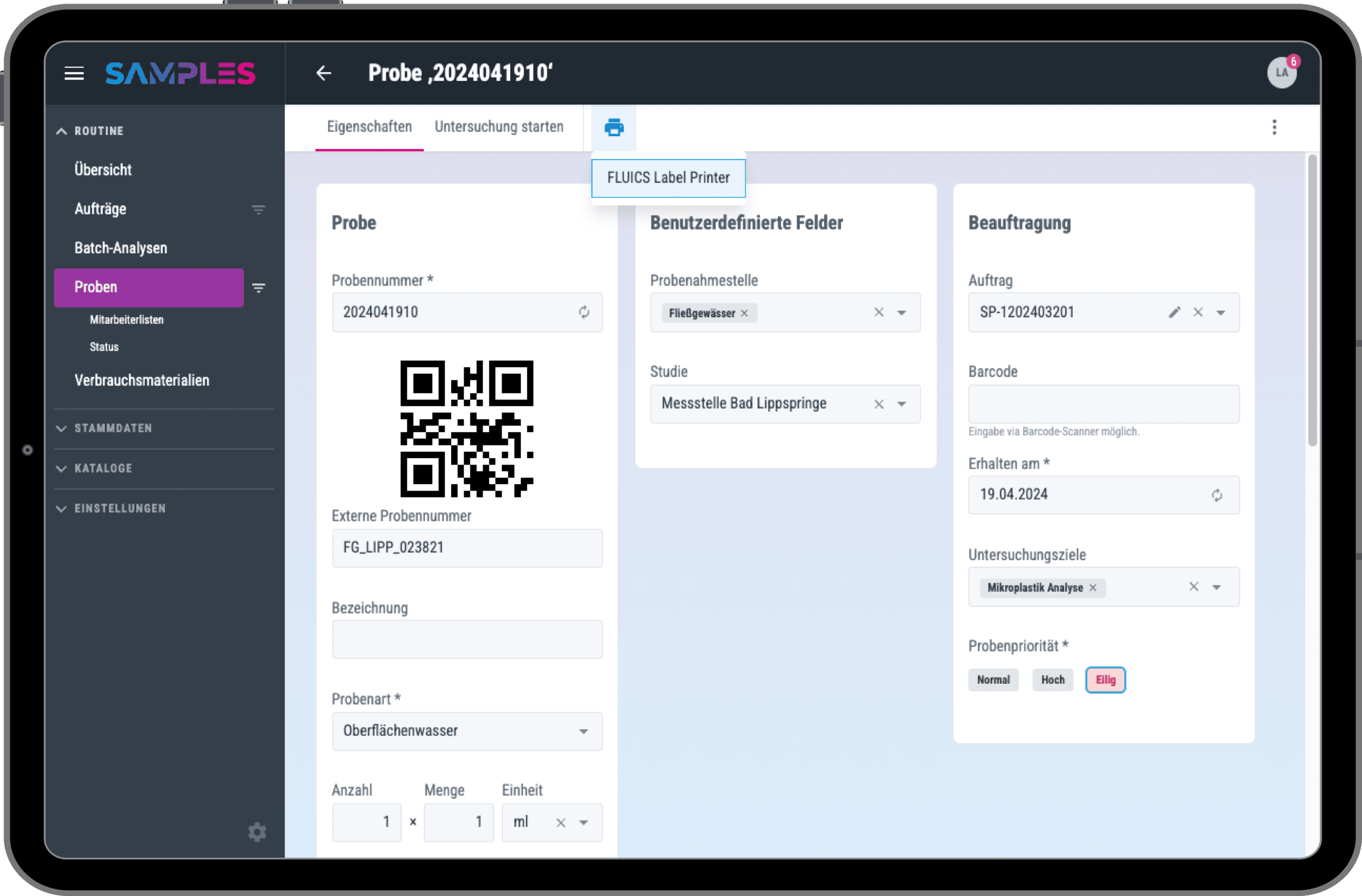
SAMPLES naturally supports the use of barcodes, as well as the integration of barcode scanners and barcode printers.
Each sample receives its own barcode. This ensures it can be unambiguously assigned and identified at any time. You can easily configure how exactly the underlying sample numbers are defined and created in SAMPLES.
Automatic Storage Recommendations
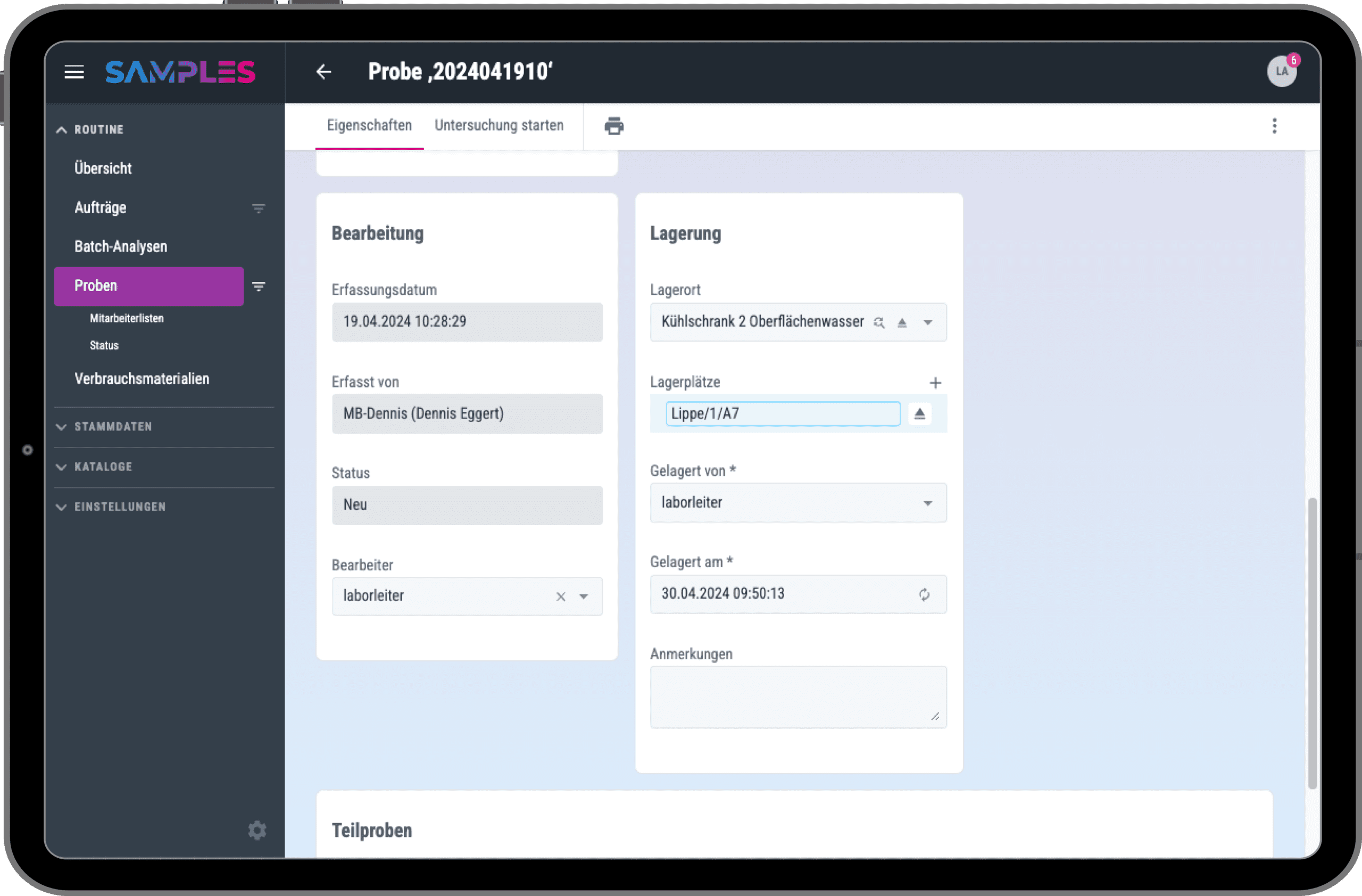
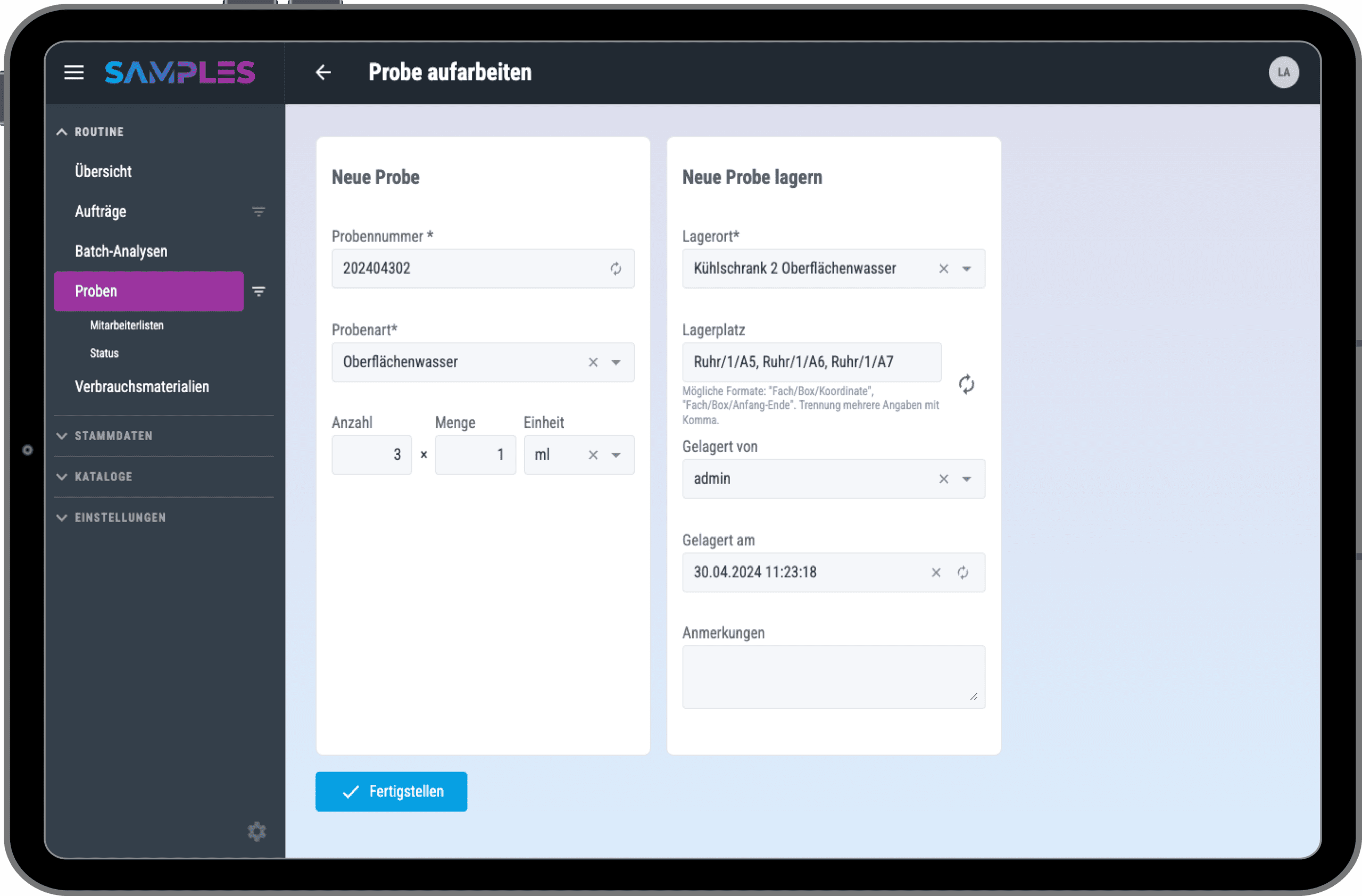
Reliable and transparent storage of your samples is essential. With SAMPLES, you can easily organize your samples into storage locations, compartments, and boxes.
SAMPLES automatically suggests the next available space for your sample. The application takes the specifics of your sample into account and makes a storage recommendation based on the sample type and study or project.
Orders, Test Plans, and Interfaces
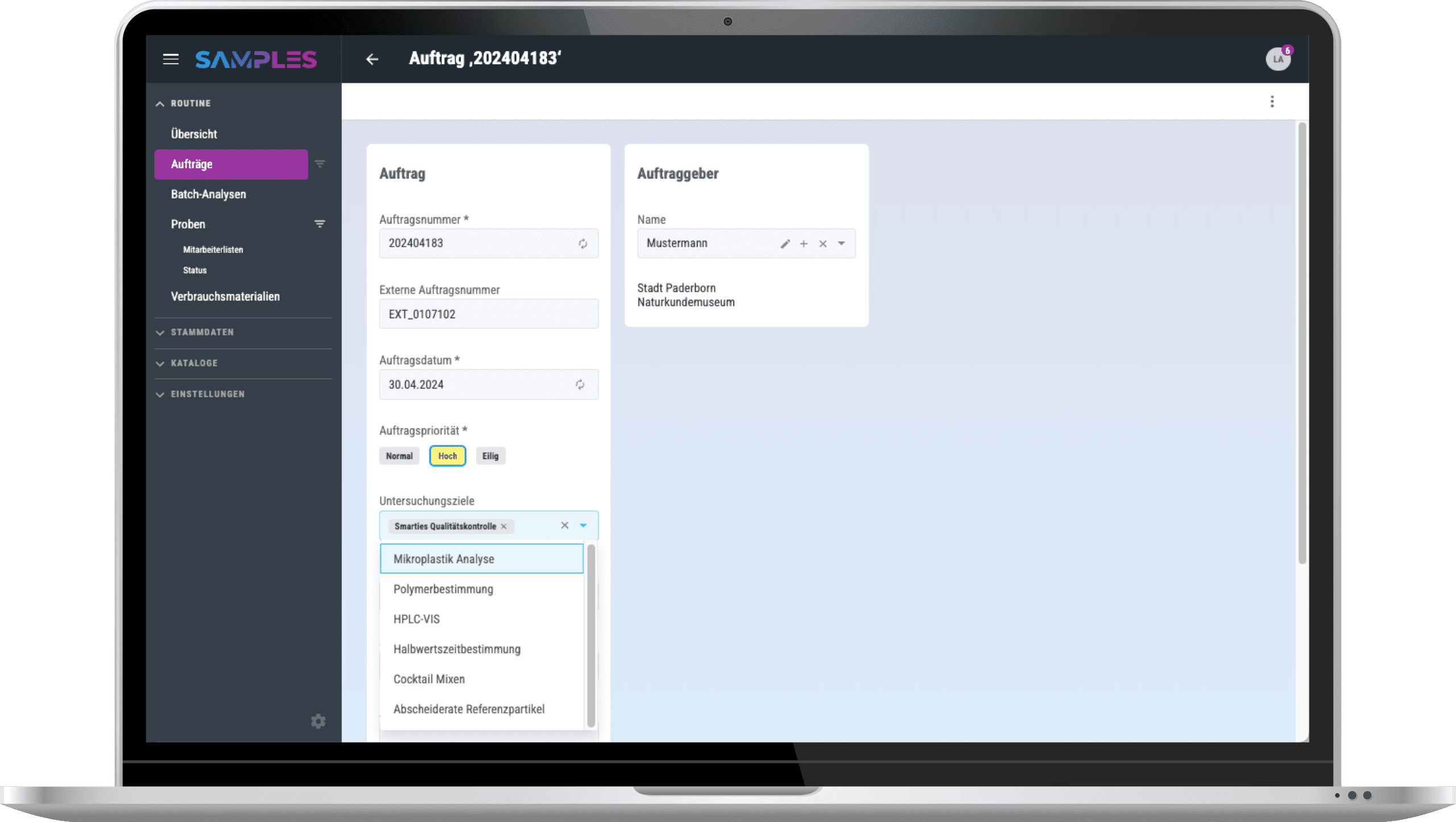
With SAMPLES, you can define which tests are to be carried out on each of your samples with just a few clicks.
If your samples come from external testing requests, they can be easily transferred to SAMPLES via an interface. Through this secure data exchange, the test results can ultimately be sent back to the client if needed.
- Storage Recommendations
- Export Storage Lists
- QR Codes
- Subsamples & Aliquots
- Number series
Individual configuration
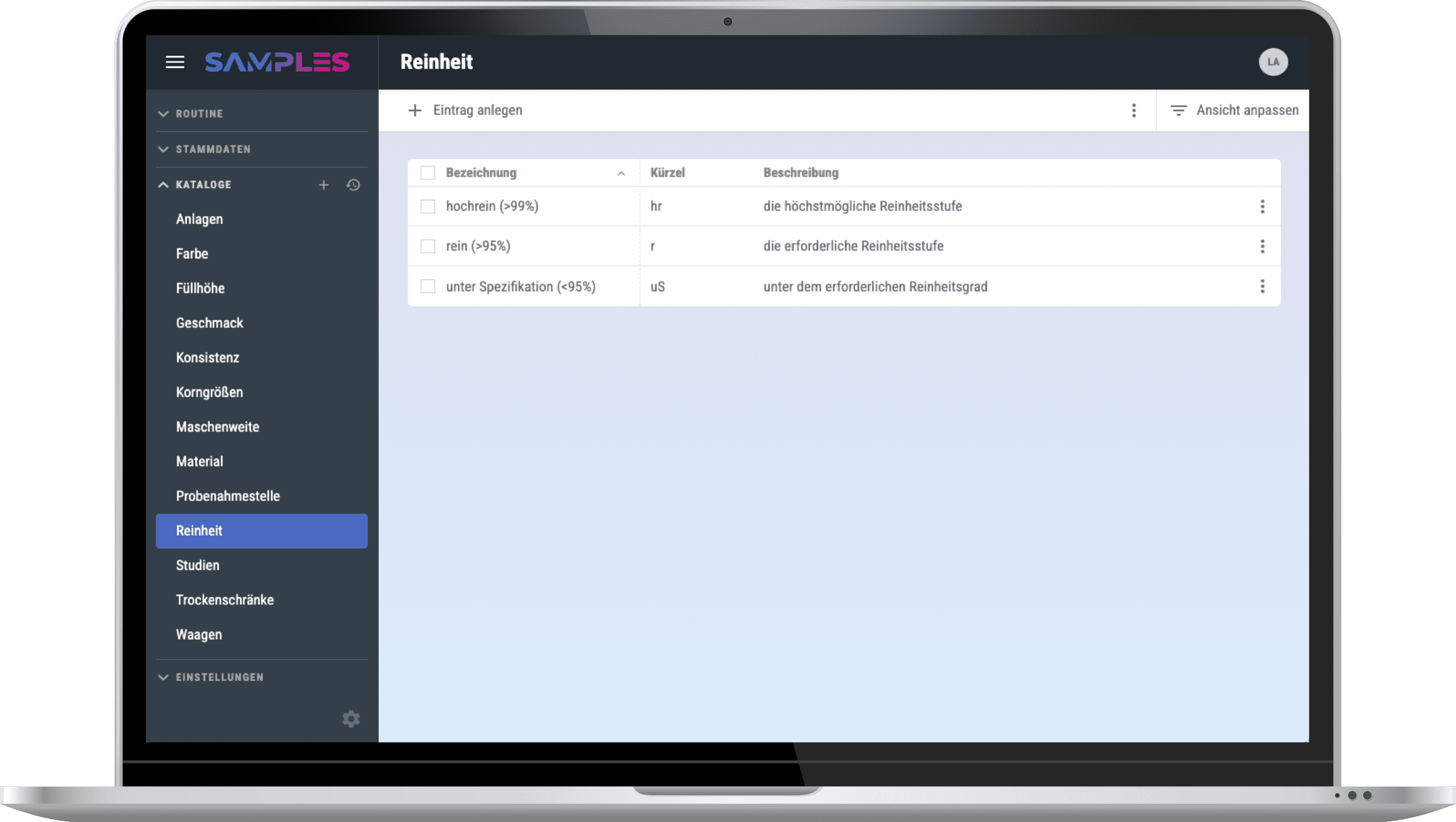
Every lab is different. That’s why you can easily customize SAMPLES to suit your needs: parameters, methods, sample types, studies, views, etc.
SAMPLES not only offers you complete flexibility for standard processes. For custom workflows or ad-hoc additional information, simply use SAMPLES’s freely configurable fields and catalogs.
Subsamples and Aliquots
With SAMPLES, you can also track the division of your samples and reliably trace the child samples at any time. To do this, you can store aliquots of the same sample in different storage locations as needed.
With SAMPLES, you can also decide for yourself whether a sample is used up during the test or whether it remains intact.
Data Export and Analysis
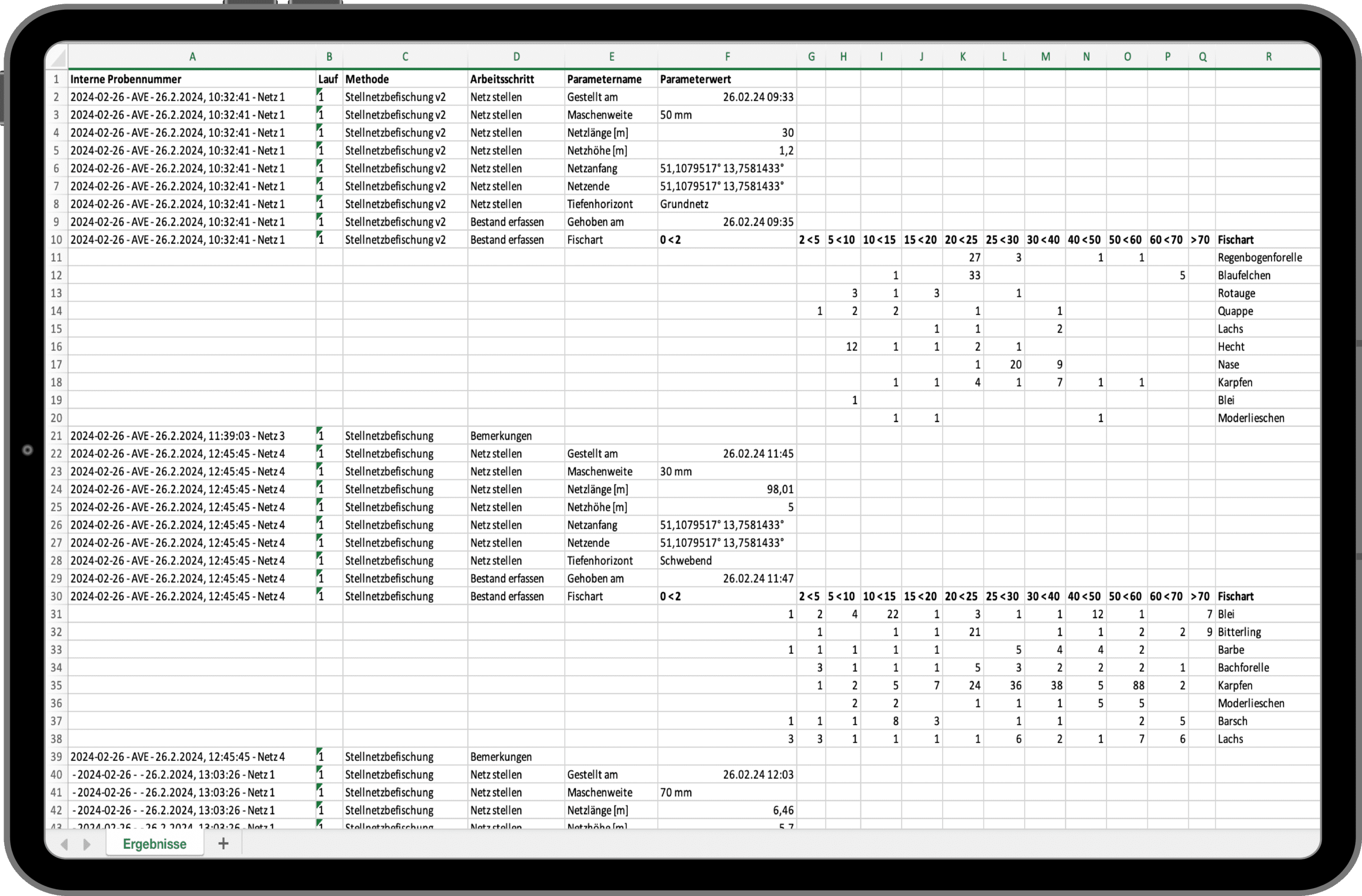
SAMPLES gives you complete flexibility with your data. If needed, you can easily export sample lists, storage location assignments, and all your measurement results to Excel at any time for further processing.
Have you been using software for data analysis that you’d like to continue using? Python-based analysis scripts—such as those written in Jupyter Notebook—can be integrated into SAMPLES, enabling direct data exchange.
Experience & test SAMPLES now!
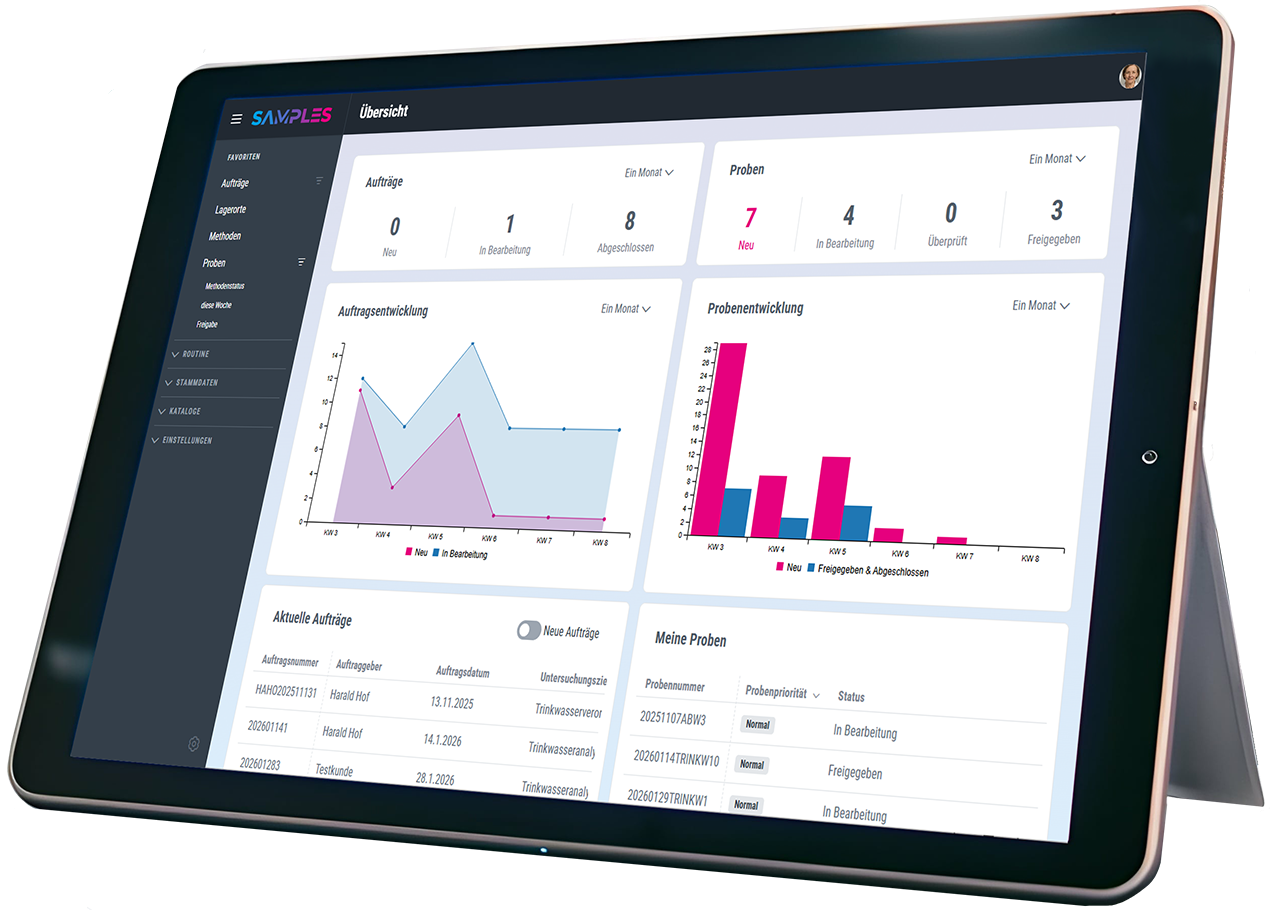
We invite you to experience the award-winning SAMPLES in a compact live demo. If you are interested, you can also test SAMPLES free of charge and without obligation. We look forward to your registration.

Personal is better…
Do you have questions or are you unsure to what extent SAMPLES can meet your needs? Let’s get talking. I look forward to the exchange.
Frequently asked questions
Make an appointment for an initial consultation. We will address your concerns and clarify all the important points. We will take the time to answer your individual questions.
What is SAMPLES and how can it help my laboratory?
SAMPLES is a Laboratory Information Management System (LIMS), but also a Lab Execution System (LES).
Depending on how you use it, you can use SAMPLES to manage all the information about your laboratory equipment (devices, consumables, methods, etc.) and the laboratory routine, i.e. the samples and details of their analysis. You can even automate your processes by connecting devices and other software systems.
What kind of samples and data can I manage with SAMPLES?
From wastewater to pull samples, there’s a place for everything. SAMPLES is the chameleon of LIMS systems. Essentially, all departments can be set up with their specific instruments, methods, and sample types. Do you have special parameters? No problem—you can even configure measurement variables and units yourself and add to them at any time!
Is the LIMS compatible with other systems used in the laboratory?
Of course. SAMPLES is an absolute team player! Depending on which interface the other system offers, we can implement the connection to all possible systems (ERP, CRM, order portals, etc.). Connection to device and measuring systems for the automation of your laboratory processes is also possible.
How do I start setting up SAMPLES?
As a rule, it makes the most sense to start with a laboratory process incl. of all master data, etc. in SAMPLES and to refine it over a test period. With the knowledge gained, it is easy to gradually transfer further processes.
Although the system makes setup easy, it still takes some time to get everything set up. No problem! We also offer system setup as a service. You decide the scope—anything is possible, from basic assistance to a complete setup.
Can I import existing data into the LIMS and how does it work?
Yes, in principle you can import existing data at different points. The decisive factor here is the form in which the required data is available. We are happy to support you with this as part of the system setup.
How can I generate and customize reports?
Once the measurement results have been approved, you can create a report for each order. To do this, you need just one click to automatically generate and attach a PDF report from the stored template. You can even change the data that appears in the report during the test.
What operating models are there?
SAMPLES is usually hosted on our Microsoft Azure Cloud. However, if necessary, it can also be rolled out on premise on your servers.
How does the LIMS secure my data and guarantee data protection?
As part of our quality and IT security management, we place the highest value on the security of your data.
The systems are usually hosted on our Microsoft Azure Cloud and benefit from Microsoft’s high security standards. However, if necessary, they can also be rolled out on premise on your servers.
In cloud mode, the data can be stored either in Western Europe (standard hosting) or on servers in Germany (premium hosting).
What happens if I do not have a connection to the Internet?
SAMPLES is a web application. Data created in SAMPLES is stored online or in your internal network if you opt for the on premise version.
A stable Internet connection is required for cloud operation. We offer an optional offline-capable app for sampling.
How are updates and upgrades for SAMPLES handled?
SAMPLES is alive and growing. Our development team works daily to add and improve features. Technical updates are provided on a regular basis and we offer extended functionality as an optional upgrade.
What training options are available?
Sure! In addition to a manual in the app and video tutorials in our media library, we also offer training courses with our service partners. Whether at your premises, at one of our locations or remotely – we will find a suitable solution!
What kind of technical support is available?
In addition to assistance from our support team, we also offer help for self-help: you can find video tutorials for many work steps in our media library.